

Bolt One-Click Checkout for Shopify
Bolt adds one-click checkout to Shopify through Managed Checkout. Bolt handles the checkout interface, shipping details and payment collection; your store keeps its theme, cart, products, inventory and order records. The 100M+ US shoppers in Bolt's one-click network can check out in one click, even on their first visit to your store.
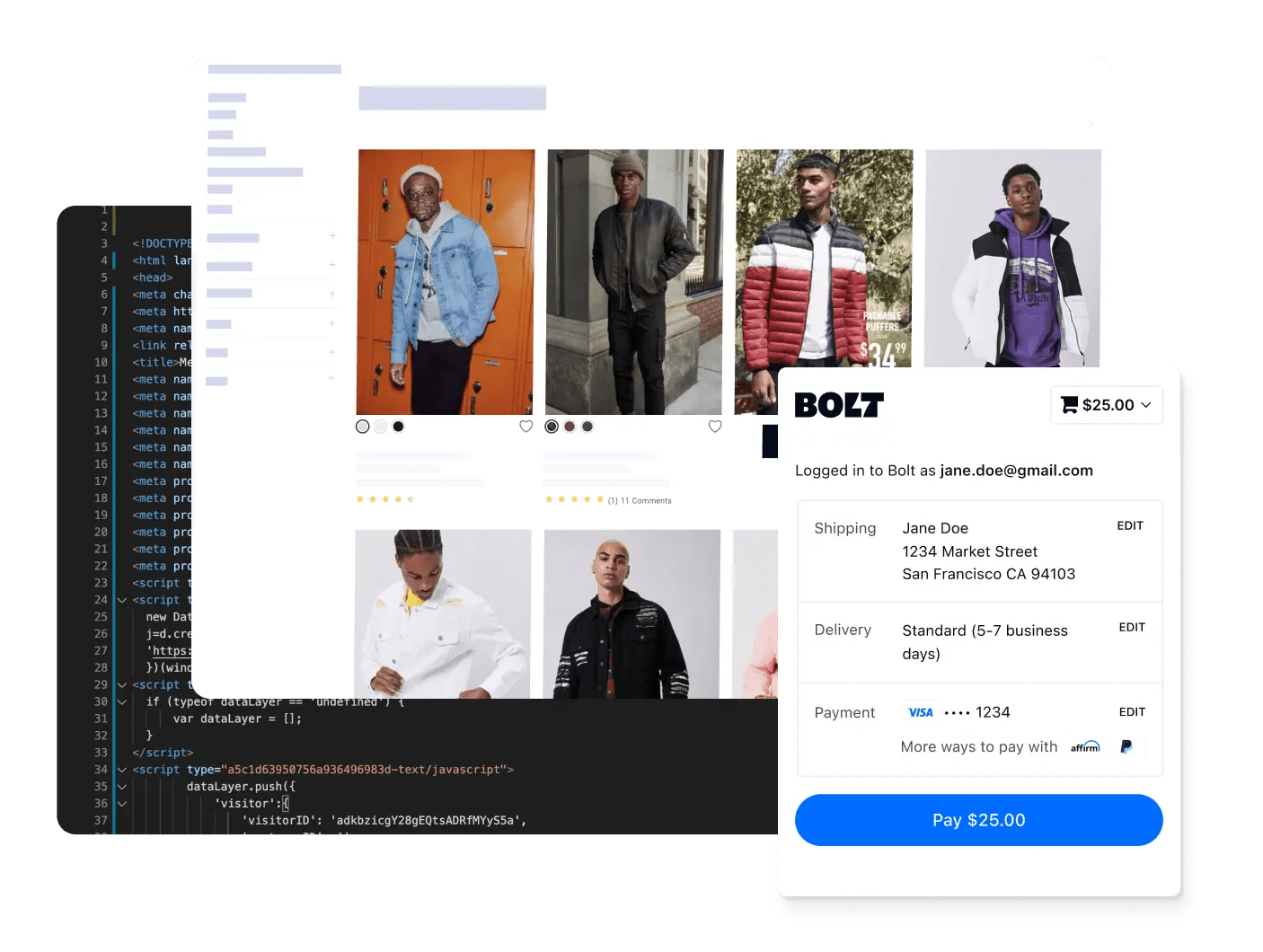
Why Shopify brands choose Bolt
Bolt handles the checkout interface and payment collection. Your Shopify store keeps its theme, cart, products, inventory and order records.



Who Bolt for Shopify is for
Shopify merchants who want one-click checkout that recognizes returning shoppers across the Bolt network.
Brands that want to keep their storefront as it is. Bolt's button goes into your cart; your theme, products and orders stay in Shopify.
Teams that can edit their theme code, or have an agency that can. Bolt's scripts go into a copy of your theme first, so you can test before you publish.
Set up Bolt in five steps
1. Create an app. In your Shopify admin, create an app with the Admin API scopes Bolt needs: write and read orders, write and read draft orders, read discounts and read products.
2. Connect your store. Enter the app's credentials in Bolt's Connect Shopify form. Your product catalog imports automatically.
3. Install Bolt's scripts on an unpublished copy of your theme.
4. Add the Bolt button to your cart.
5. Verify a test order, then publish the theme. The full steps are in the Shopify quickstart.
Checkout and fraud, working together
Every Bolt checkout includes Bolt's fraud review, so orders are screened before they reach your Shopify admin. See pricing for fraud protection tiers.
Why Shopify merchants add Bolt
Recognition from the first visit. Shoppers with a Bolt account check out in one click on your store, even if they've never bought from you before.
Account holders convert better. Bolt account holders convert 50% better than guest shoppers.
Your storefront stays yours. Your theme, cart, products and orders stay in Shopify.
Designed to work with Shopify
Connect your Shopify store, add Bolt's scripts and button to a copy of your theme, verify a test order and go live.
Shopify + Bolt: common questions



Talk to Bolt about checkout for your Shopify store
Bolt's team will walk you through setup on your store.