

Bolt One-Click Checkout for BigCommerce
Bolt adds one-click checkout to BigCommerce through the Bolt app. Bolt handles the checkout interface and payment collection; your store keeps its cart, product catalog, shipping settings and order records. The standard setup includes Bolt's fraud review. The 80M+ US shoppers in Bolt's one-click network can check out in one click, even on their first visit to your store.
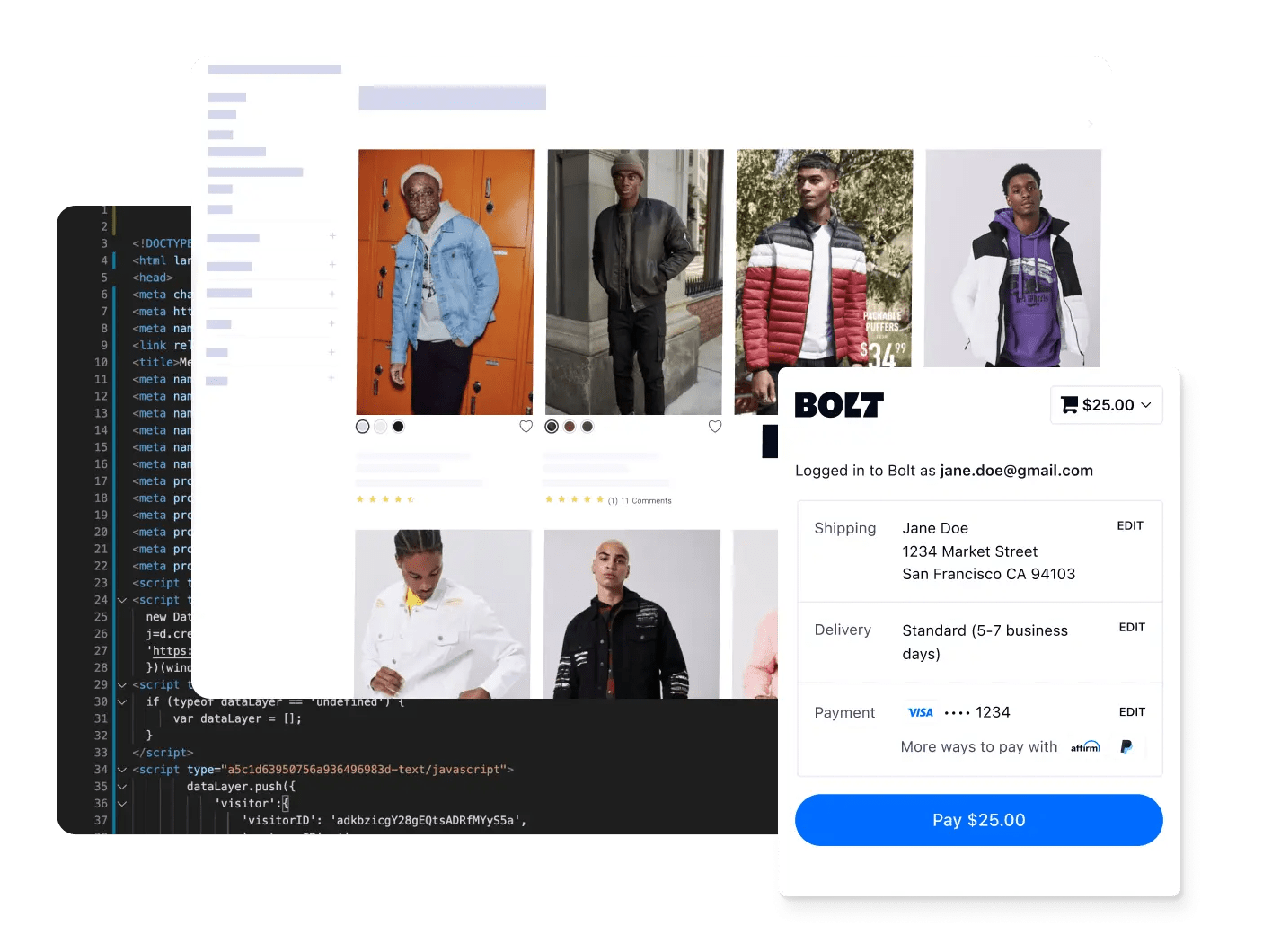
Why BigCommerce brands choose Bolt
Bolt handles the checkout interface and payment collection. Your BigCommerce store keeps its cart, product catalog, shipping settings and order records.



Who Bolt for BigCommerce is for
BigCommerce merchants who want Bolt to host checkout instead of building their own.
Stores that want to keep BigCommerce's native checkout and add only Bolt's fraud protection, with the fraud-protection-only setup.
Teams that can edit their theme files. Bolt's scripts and button go in every template that shows the cart: in Cornerstone, the cart page, fast cart and mini cart.
Set up Bolt in six steps
1. Get your Bolt account and keys. Create a Bolt merchant account, and have BigCommerce Support enable Bolt Checkout on your store.
2. Install the Bolt app. In the BigCommerce app store, open the Bolt app and select Get This App > Install > Confirm.
3. Add Bolt's support user. In Settings > Users, create dev@boltapp.com with the Sales Manager role and the permissions the guide lists.
4. Enter your keys and pick a mode. In Store Setup > Payments > Online Payment Methods > Bolt > Setup, enter your API key, signing secret and publishable key. Then choose Full Bolt Checkout with Fraud Protection, or fraud protection only.
5. Add Bolt to your theme. Working in a copy of your theme, add Bolt's scripts and checkout button to each cart template.
6. Test, then go live. Run the BigCommerce test plan with Bolt, and check that each test order appears in both Bolt's Transactions and BigCommerce's Orders.
Implementation typically takes between a few days and a few weeks. Every step in detail: the BigCommerce setup guide.
Checkout and fraud, working together
Full Bolt Checkout includes Bolt Fraud Protection, so every order gets Bolt's fraud review.
Prefer to keep BigCommerce's native checkout? The fraud-protection-only setup adds Bolt's fraud review to it.
Why BigCommerce merchants add Bolt
80M+ US shoppers in Bolt's one-click network can check out with a saved Bolt wallet, even on their first visit to your store.
A 66% higher repeat purchase rate from Bolt shoppers (Bolt internal study across Bolt merchants).
Fraud review built in. Full Bolt Checkout includes Bolt Fraud Protection, and the fraud-protection-only setup adds it to BigCommerce's native checkout.
In 2020, BigCommerce gave Bolt its "Innovative Integration" partner award and named Bolt an Elite partner and Preferred Fraud Vendor.
Designed to work with BigCommerce
Install the Bolt app from the BigCommerce app store, add Bolt's button to your cart templates and go live. Implementation typically takes between a few days and a few weeks.
BigCommerce + Bolt: common questions



Talk to Bolt about checkout for your BigCommerce store
Bolt's team will walk you through setup on your store.